 Otium
OtiumSession
Session
How it works
Tracking reads, finding a note again, saving a reread, sharing a shelf, discovering a new book: Otium Bookshelf starts from real gestures and makes them legible.
Track
Keep read, current, and future books together. Every transition stays legible, without forcing you to remember everything.
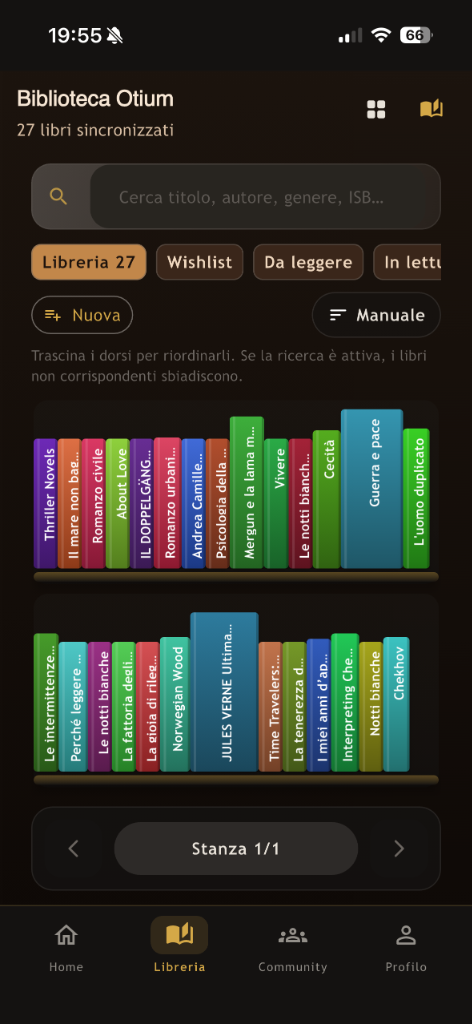
Library
Your personal library does not stay a flat list. You can divide it into shelves, filters, themes, and priorities.
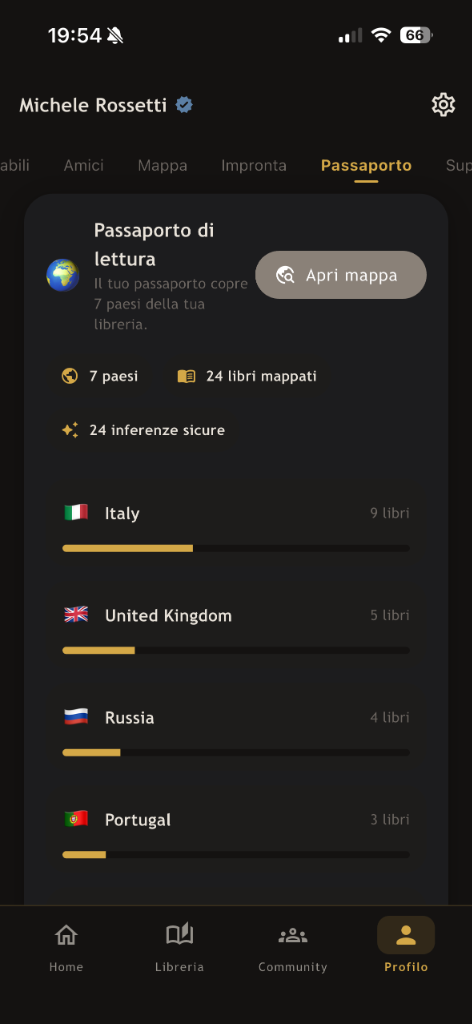
Passport
Otium Bookshelf works out the country behind every title you read and puts it on a map. The reading passport shows how far your library travels beyond home.
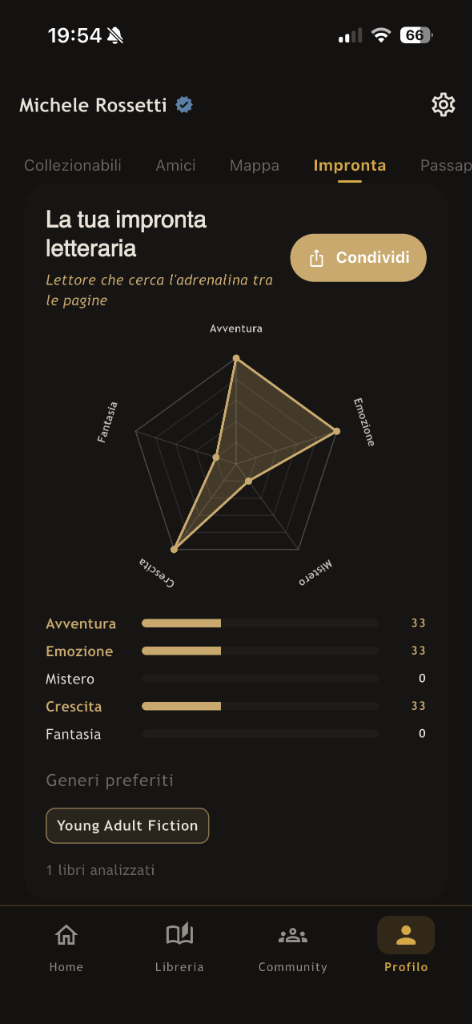
Fingerprint
Otium Bookshelf reads your library and draws a profile across five axes: adventure, emotion, mystery, growth, imagination. The fingerprint shifts as the library grows.
Community
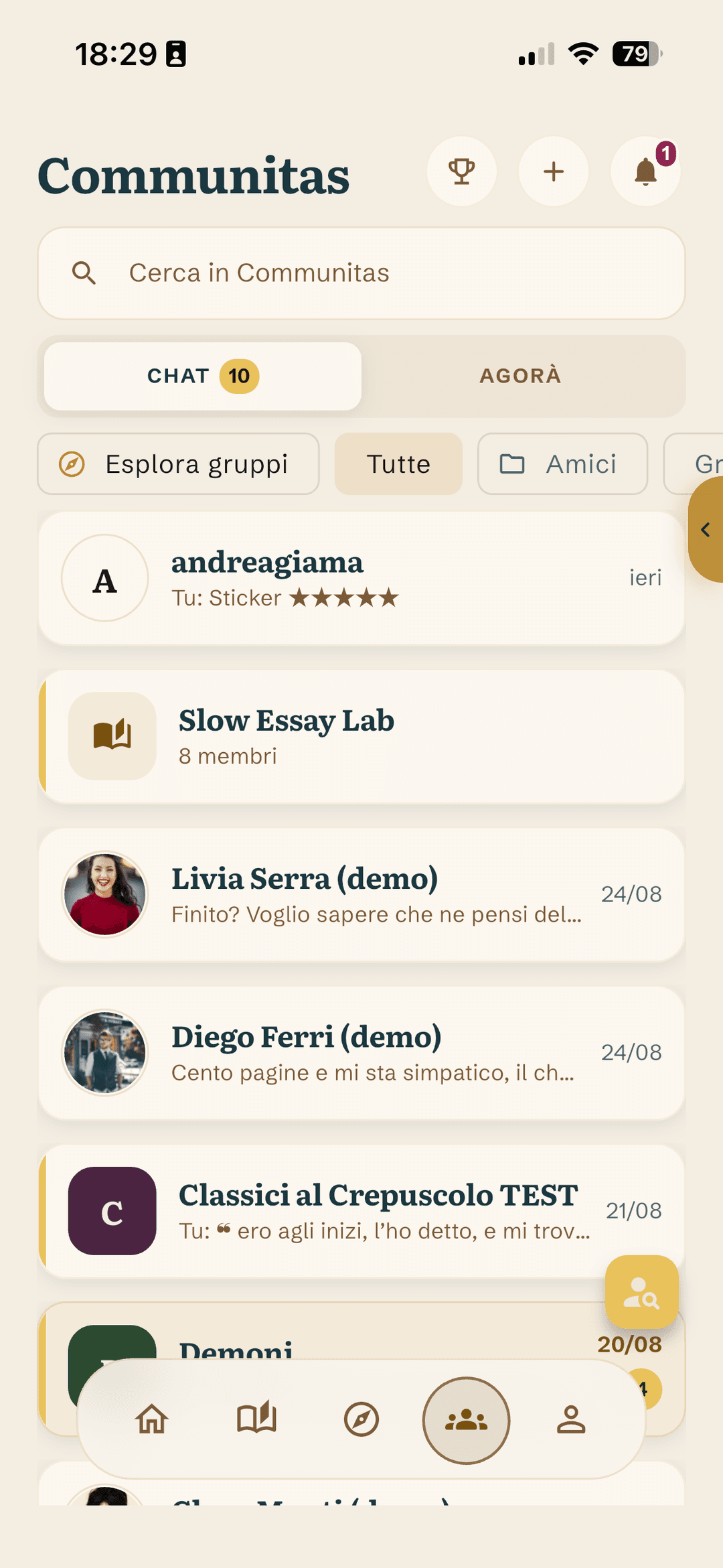
The social layer grows from books you really read: public shelves, targeted recommendations, and conversation anchored in actual titles.
In the app, today
The site tells the idea; these features are live today in the Otium Bookshelf app. Where it says Pro, they are part of the subscription.
Barcode scanning with flash and zoom, a preview and one tap to add to a shelf. With Pro, AI cover recognition reads the title, publisher and language of the edition.
A timer from the book page, with today's and all-time statistics. Goals for pages per day and books per year, with a value suggested by your library that you can change.
One check-in a day on a book you are reading. Every seven days of practice you earn a Vestal; if the streak breaks, you decide whether to spend them or start again. No Vestal is ever spent on its own.
Notes and quotes from all your books in one place, with search, tags, CSV export and a printable PDF booklet of quotes.
Record a thought next to the book; the transcription lands in the notebook as text.
A card in three formats, coloured by the book's cover, with a QR code to the book's page.
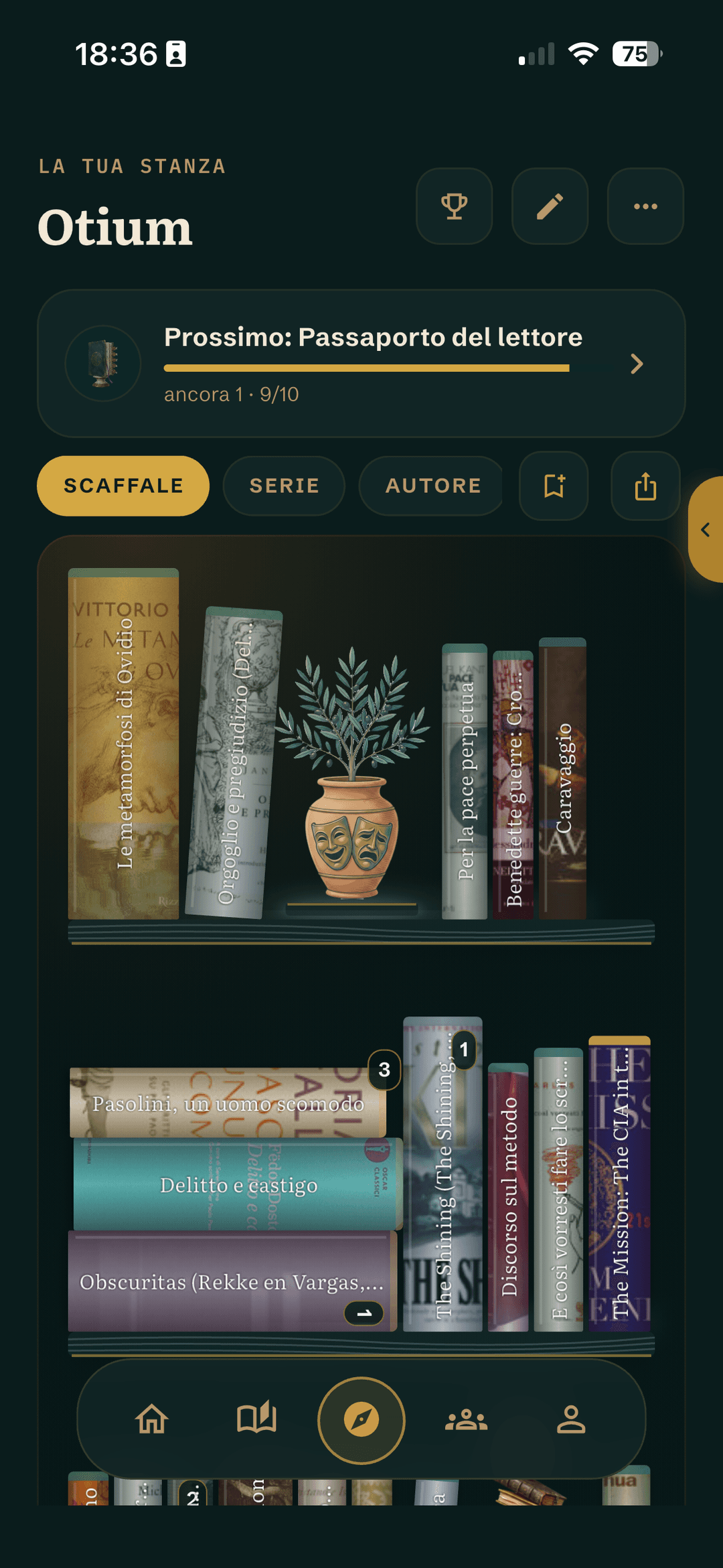
Your collection as a place: spines scaled to the real page count, stacks, objects and the trophies earned by reading. It can be published as a web page. The onyx and malachite themes are Pro.
Book clubs with chapters that unlock over time, and reading sprints shared in a room. Creating a Slow Club or a Pro Room requires Pro.
The one competitive corner, inside Communitas: the monthly readers' leaderboard, with trophies for the podium and the top 10. If you would rather not appear, leave it from your account on the website (Account › Privacy).
Home does not scroll forever: at most four sections a day, and an end. Every suggestion says why it is there, and you can turn it down.
The places of your reading on a map, and the passport of the countries your library travels through.
The year in review, notebook pages included, to share as an image. The full version is Pro.
Every month, an AI-written account of your reading. Included in Pro.